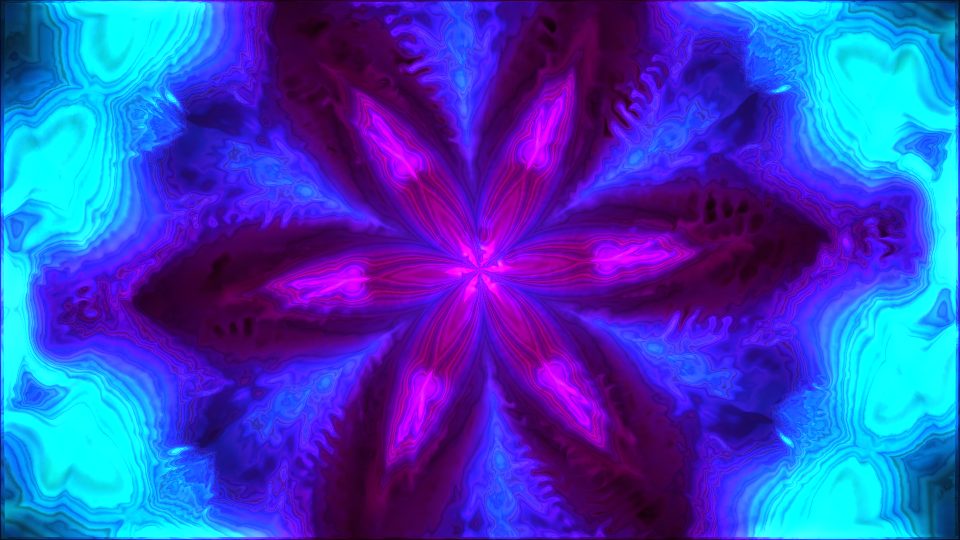
Opal Mandala
geometricViolet and magenta petals fan out from a pink centre on an opal-cyan field, re-forming as the bass and mids move.
Examples
These Groovalizer examples show the range of looks you can get from the same music visualizer engine. Browse moods, compare styles, and open the studio when you want to try your own track.
Violet and magenta petals fan out from a pink centre on an opal-cyan field, re-forming as the bass and mids move.
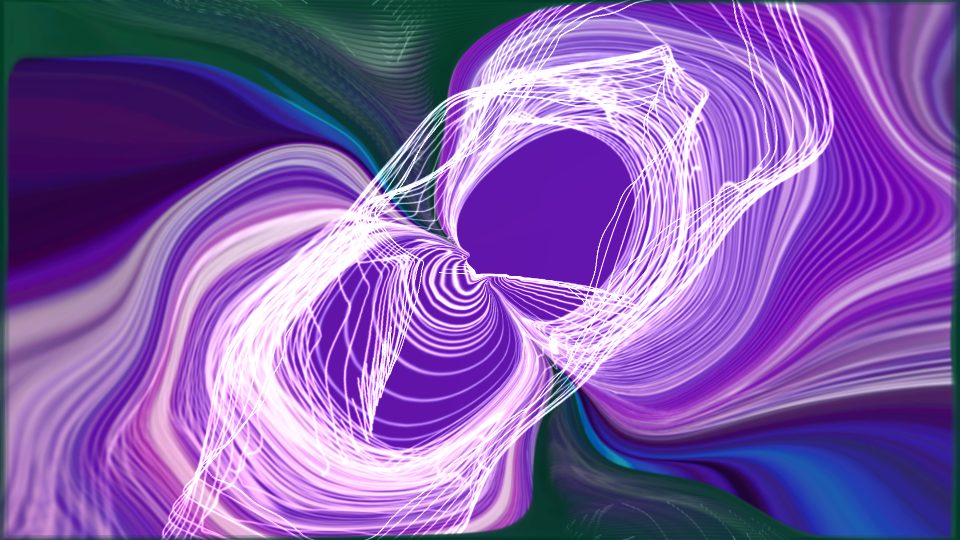
Glowing white ribbons loop through bands of violet, plum and teal, and the whole field drifts and warps with the mids.
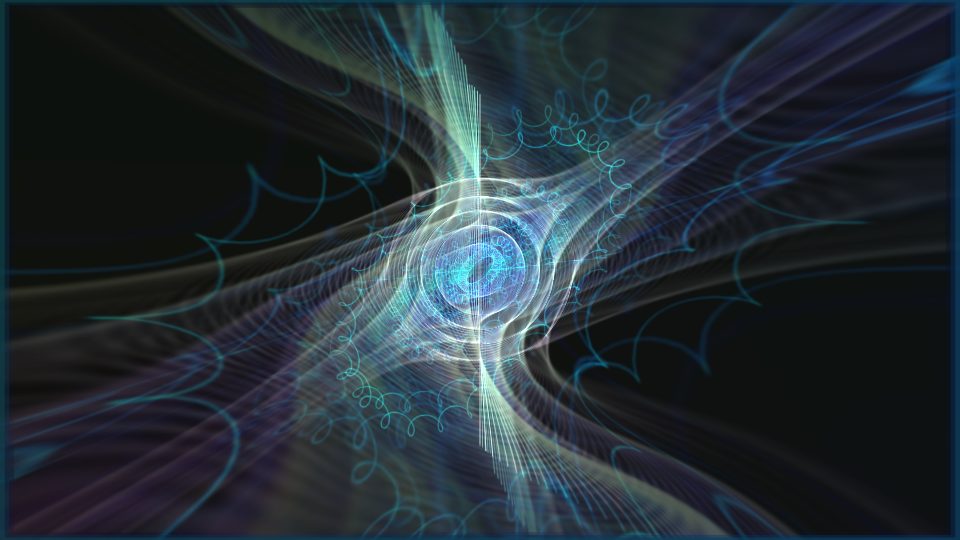
Teal wireframe sweeps and spring-shaped coils converge on a small blue ring, like a signal being tuned in.
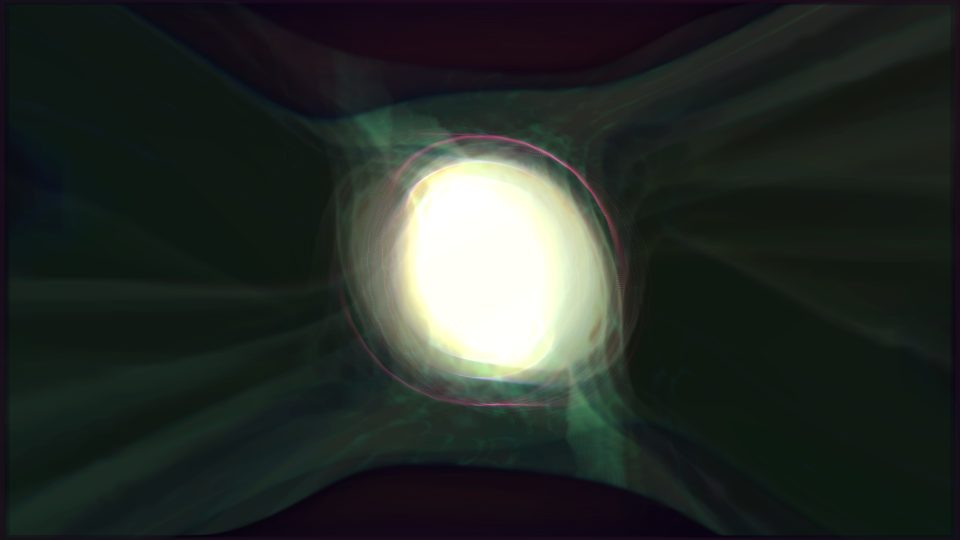
A soft white-green orb with a thin pink rim sits inside a dark green tunnel that breathes with the low end.
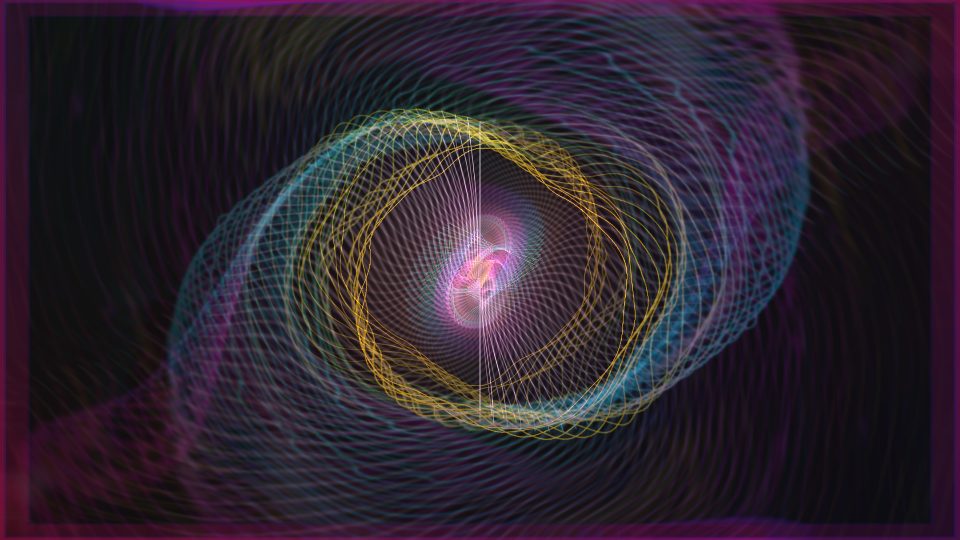
Gold and teal wire rings spiral around a small pink-white spark on dark purple, and the colours shift faster on every kick.
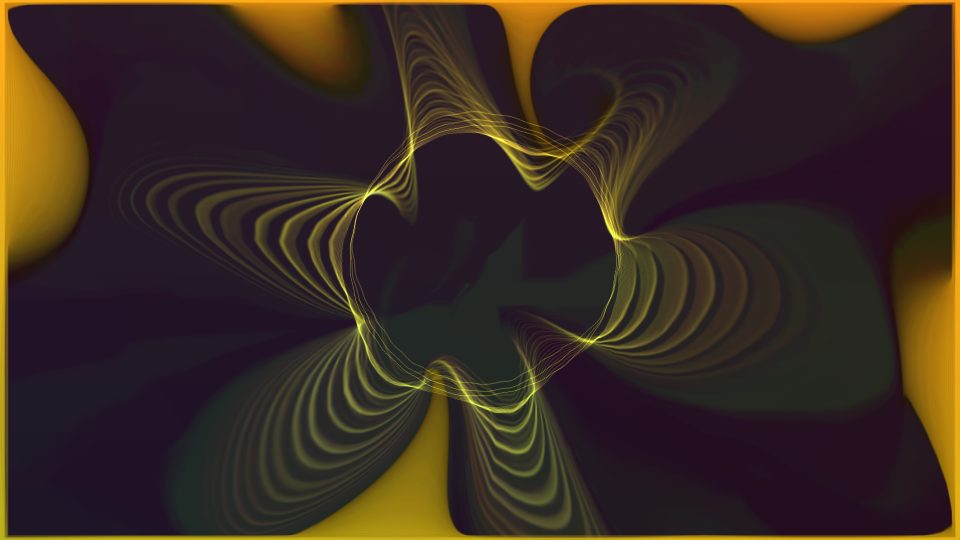
Fine yellow lines ripple in moiré patterns around a dark centre, with amber pooling in the corners.
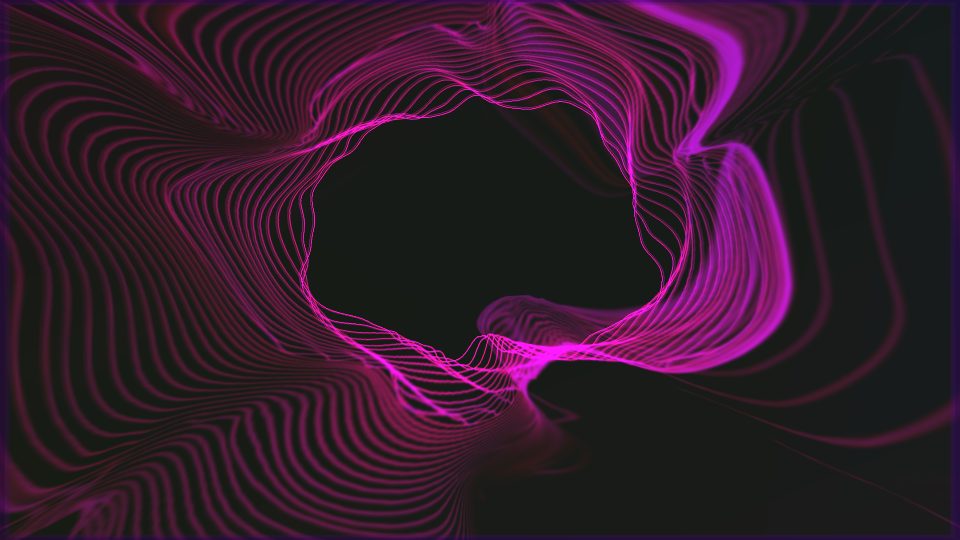
A magenta line wraps a black hollow while fine contour ripples spread to the edges, pushing outward as the bass swells.
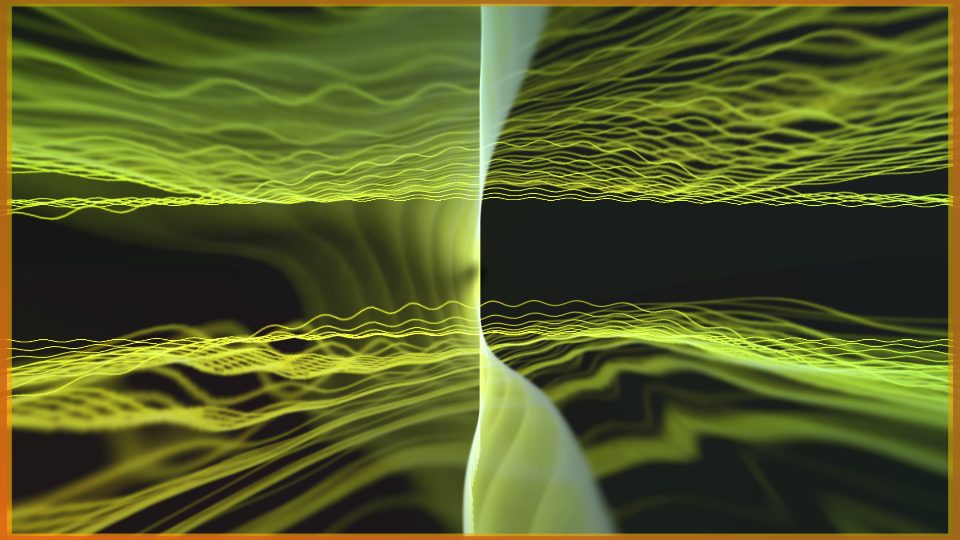
Lime waves stream into a white vertical seam, streaking and bending like light through water.
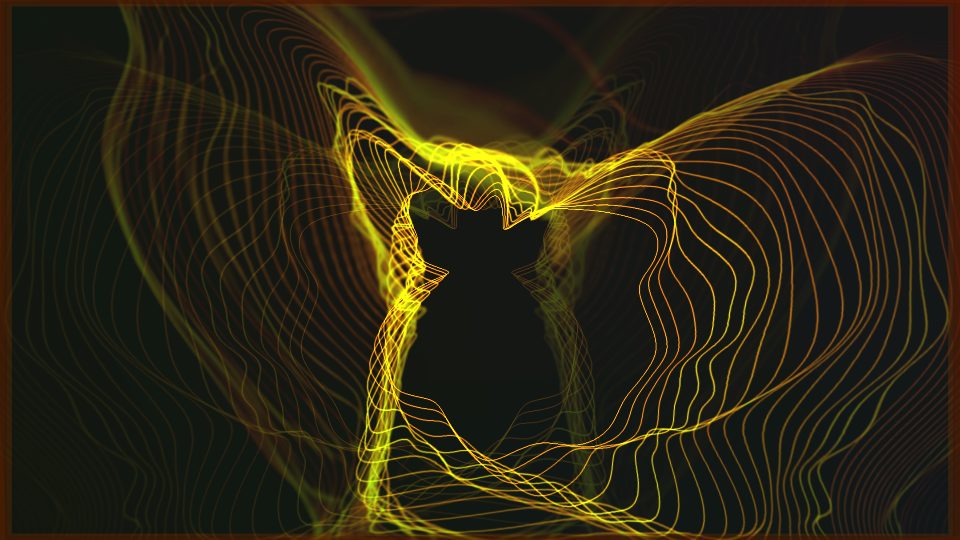
Gold contour lines wrap a dark, eared hollow and fan out like wings, bending harder when the bass lands.
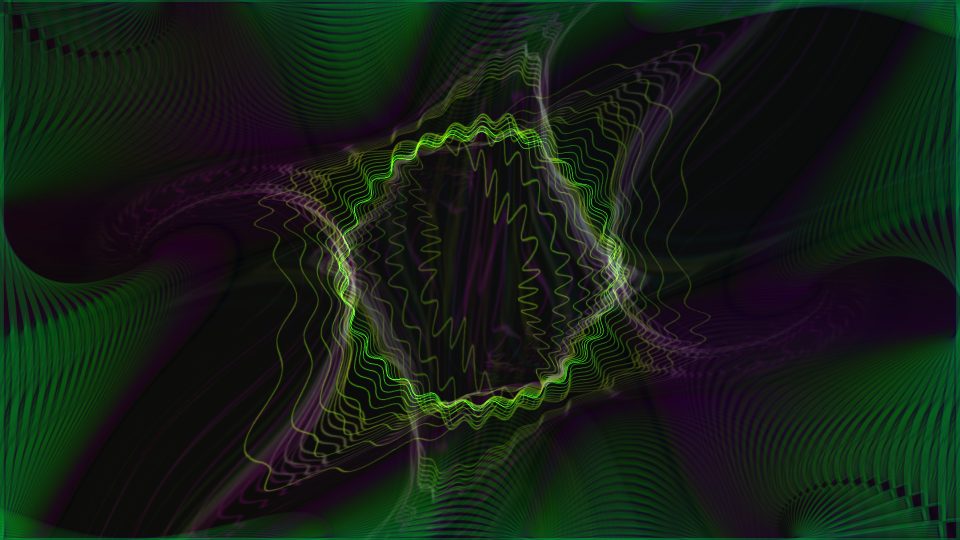
Green wavy lines trace a square that shivers with the beat over a purple-green moiré field.
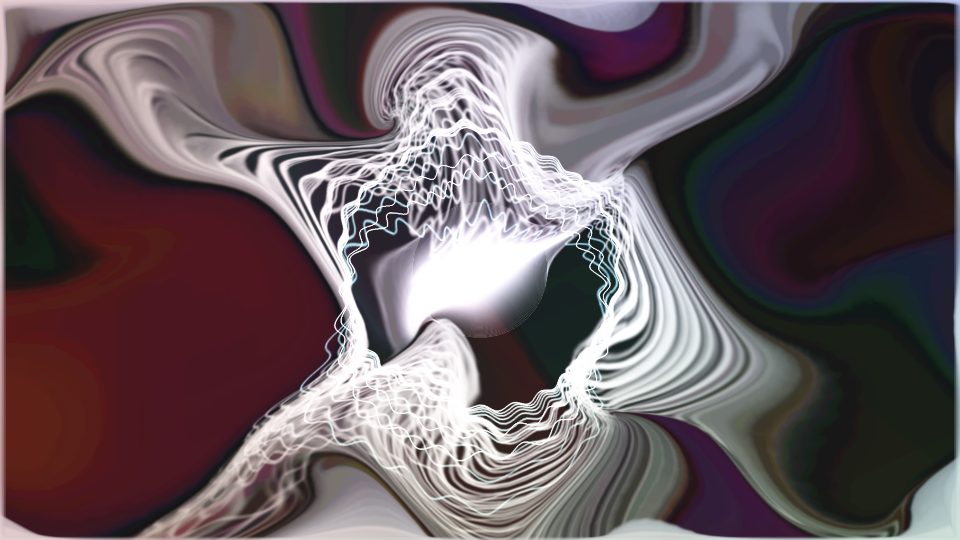
A jagged silver ring tears open a swirl of maroon, ivory and mauve marbling.
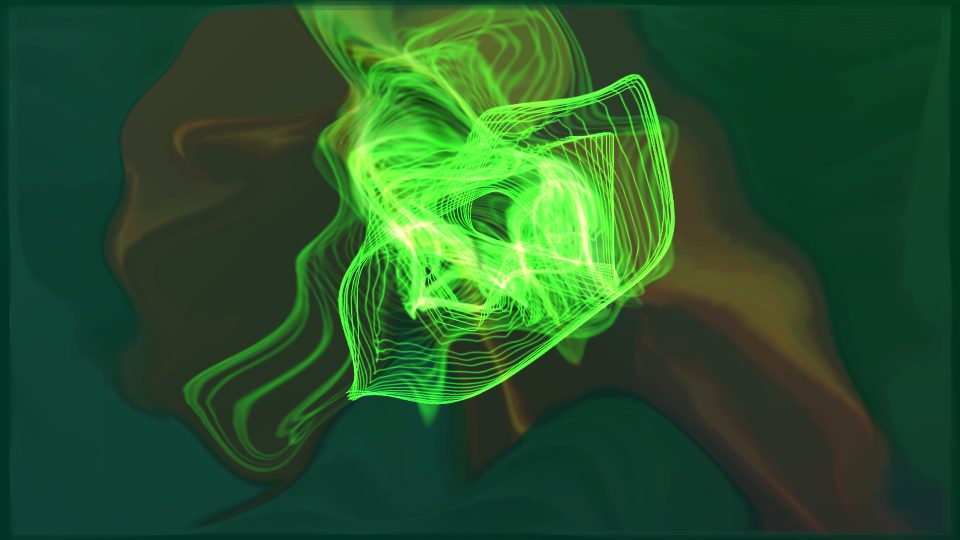
A glowing green knot of wire hangs over dark teal and amber folds and drifts slowly as the mids rise and fall.
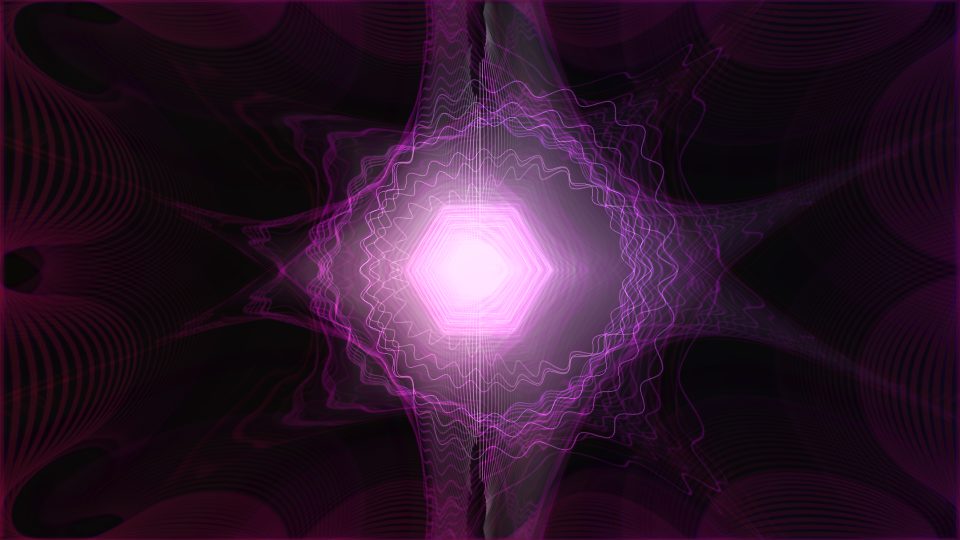
A glowing hexagon at the centre of pink wave rings, mirrored across a dark mauve field.
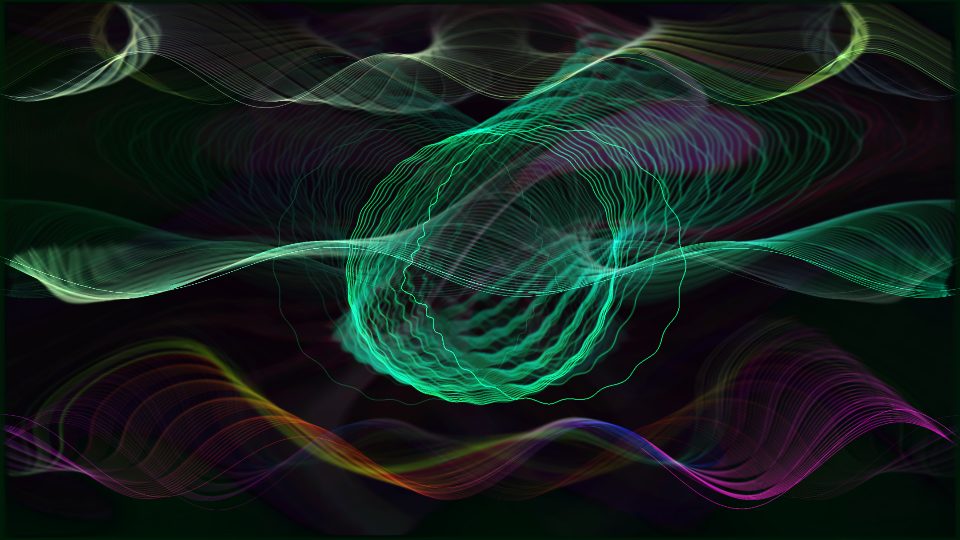
A teal ribbon knots itself above rainbow waves that roll along the bottom of the frame.
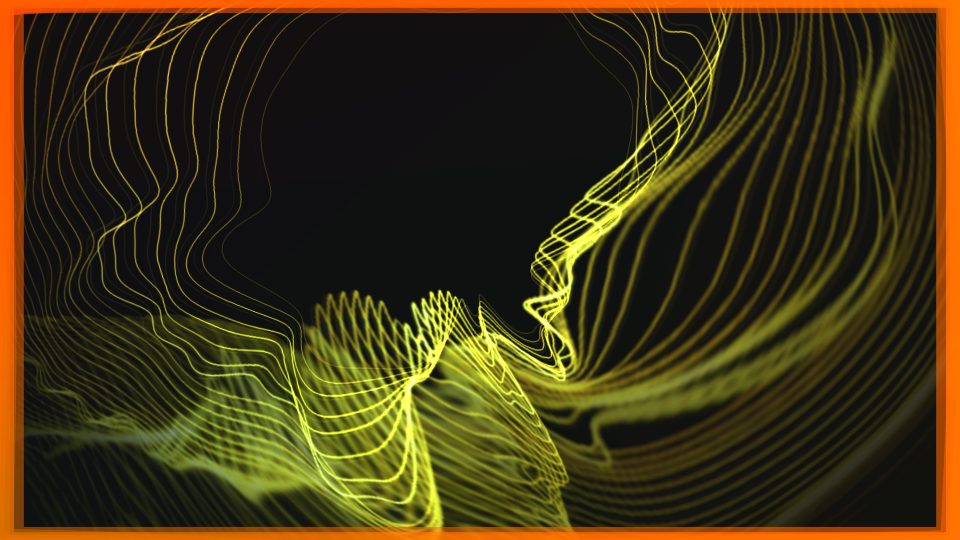
Yellow wire lines sweep up from the lower left inside a glowing orange border that burns brighter with the bass.
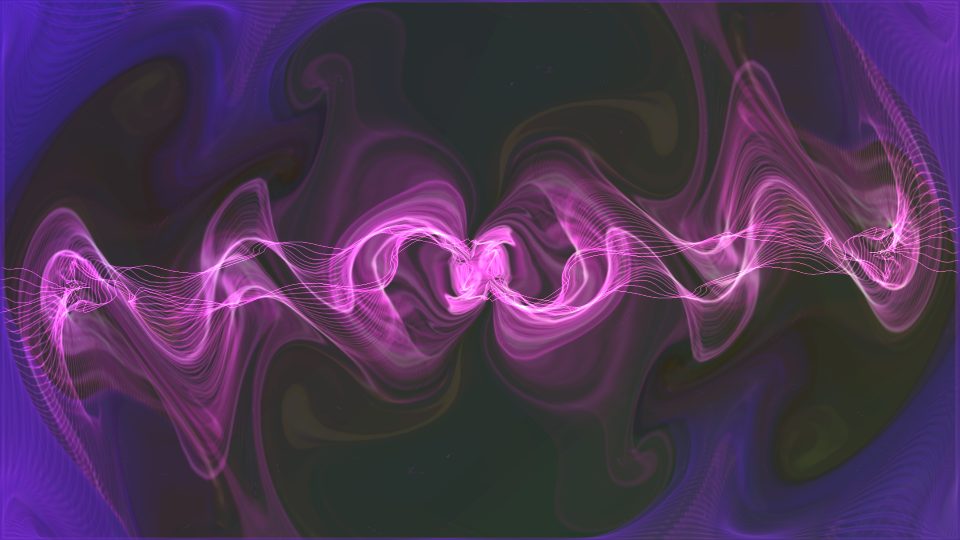
A pink braid of looping ribbons runs across a violet field and turns a little faster when the bass comes in.
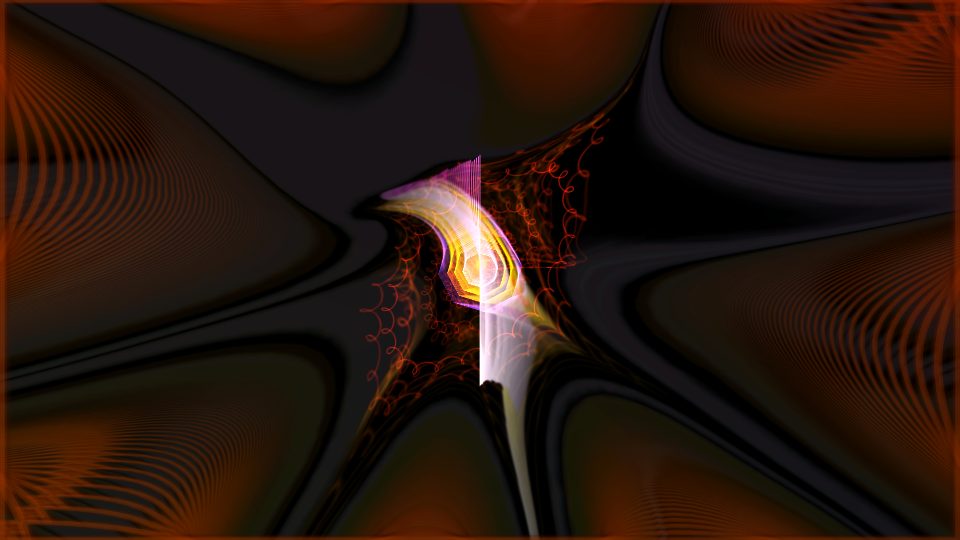
Rust and black folds meet at a small pink-gold seed, with thin red spirals curling off it.
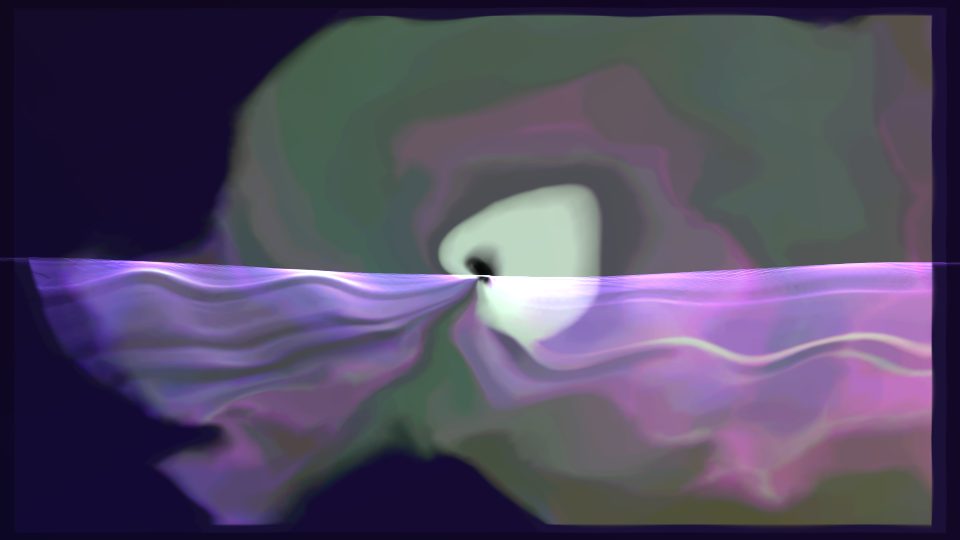
A white glow rests on a pale lavender horizon under a grey-green cloud, and it barely moves, so it suits quiet tracks.
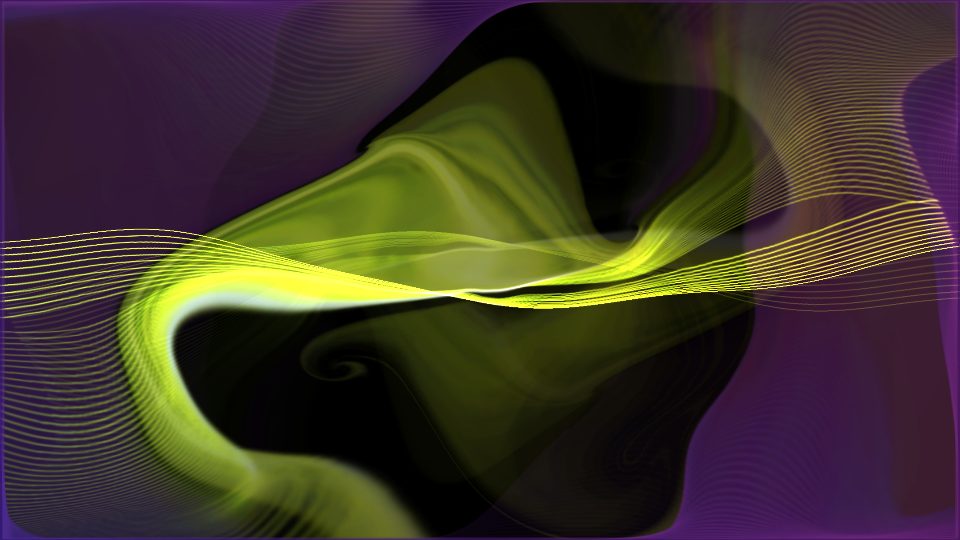
A band of yellow-green light sweeps across violet and black, trailing fine gold threads as the frame slowly turns.
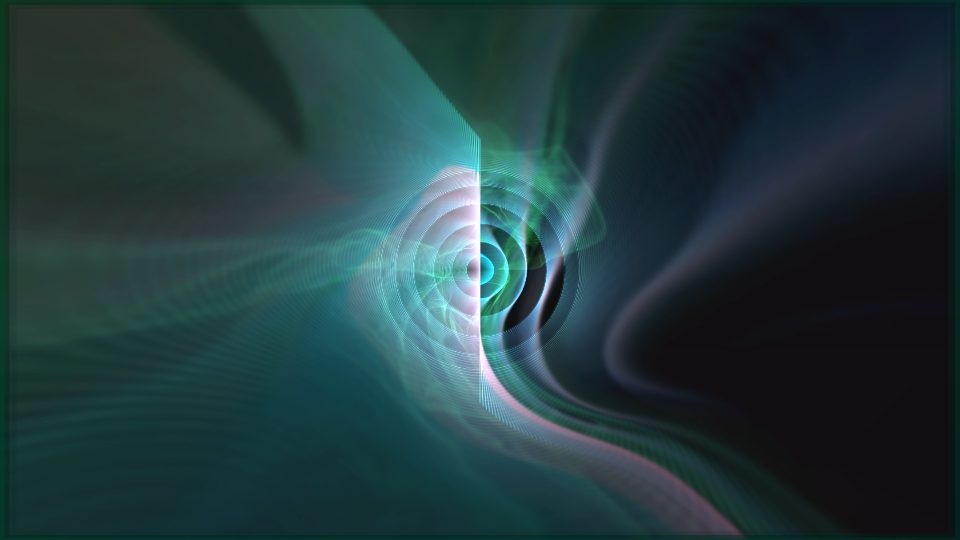
White rings glow in a teal well split by a bright seam, and each kick pulls the view deeper in.
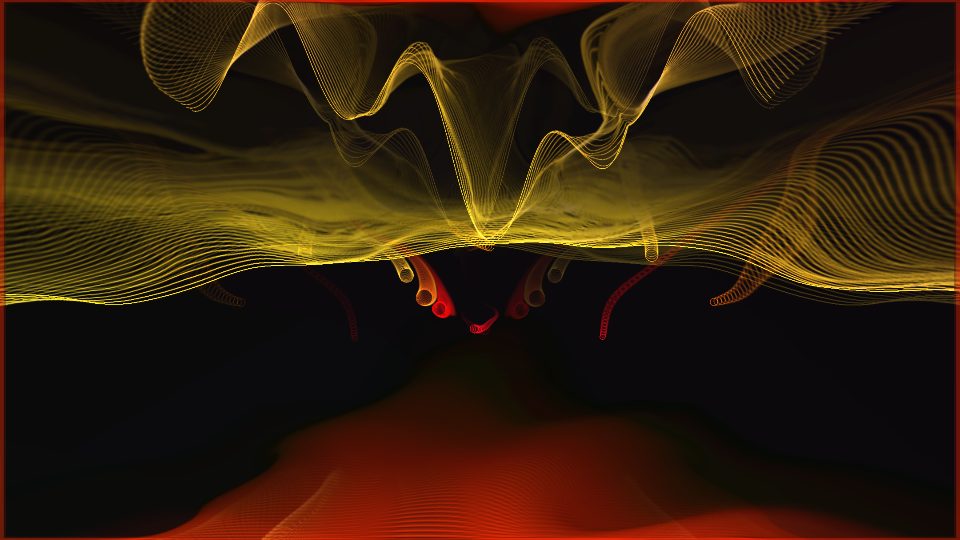
Gold wire flames flicker along the top of a black cave with red tendrils below, climbing faster on heavy bass.
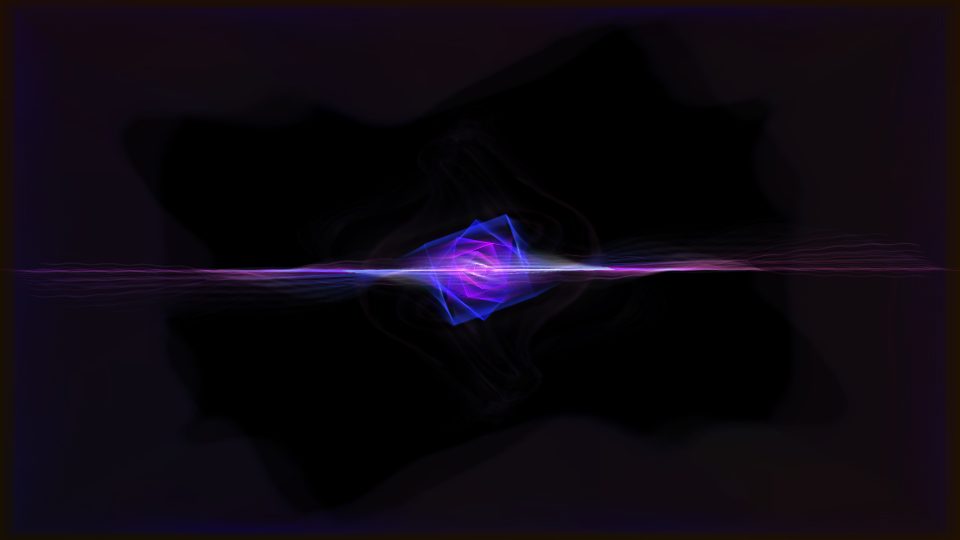
Nested blue-violet squares balance on a thin horizontal line of light in the dark.
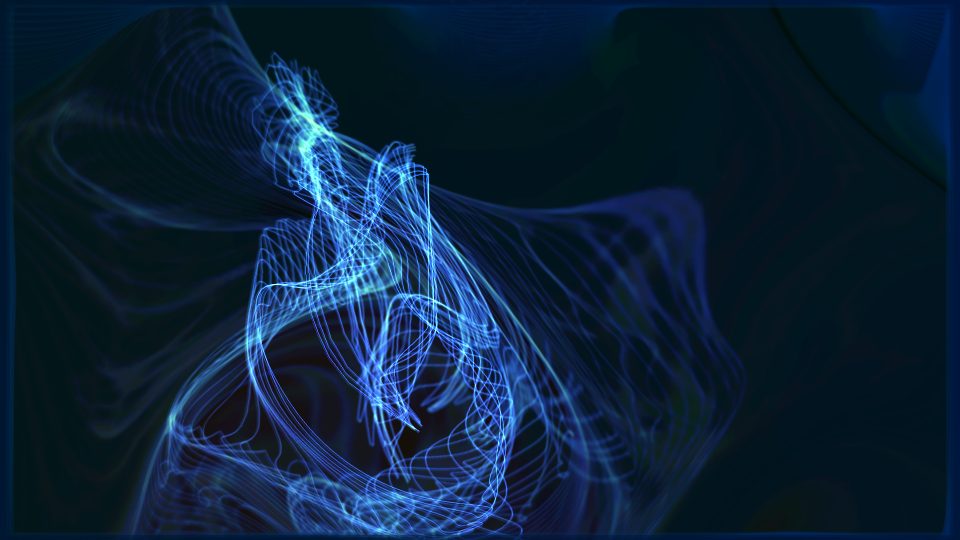
Pale blue wire strands twist upward like smoke on deep navy, and the low end sends ripples through them.
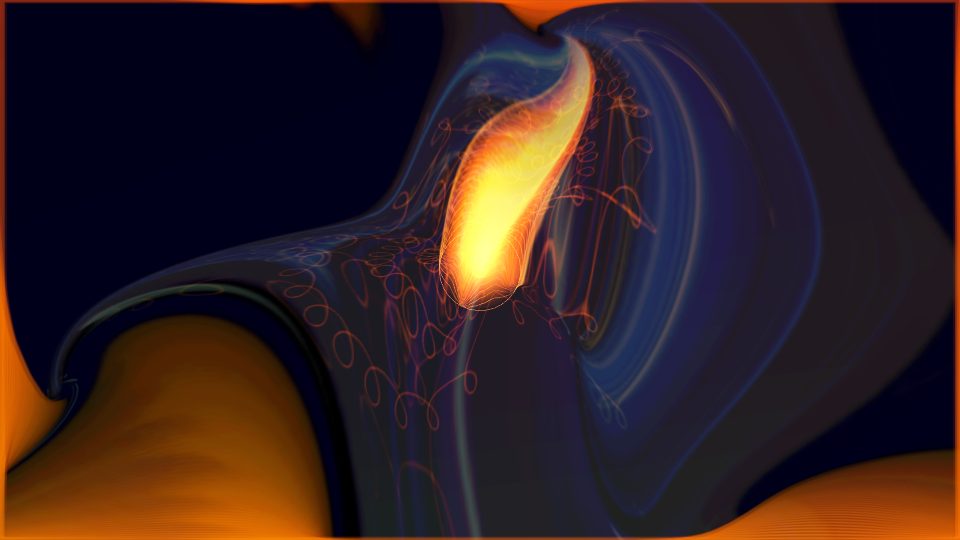
An orange flame seed curls over a navy swirl, with orange folds pouring in from the edges.
Trippy presets fold the frame into spirals and moiré and suit anything with a strong beat, from techno to trap. Cosmic ones are rings, comets and nebulae that hold up under slow builds and long passages. Geometric styles keep hard edges, hexagons and grids, and read well on electronic and hip-hop. Liquid presets pour and smear colour, which flatters vocals and R&B. Ambient tiles are the quietest: tunnels and soft glows that stay out of the way of the music.
None of this is a rule. The vibe controls set how hard a preset reacts and how fast it moves, so a trippy look can be tamed for a ballad and an ambient one pushed for a club edit.
The projectM engine drew each tile in the browser: one frame from one of the 3,500+ presets in the library, saved at 960x540. The same presets react to your own song in the studio: upload a track, pick a look, then export a video for YouTube or a vertical clip for TikTok.
Live mode runs the same presets on a projector from a microphone, and the AI route writes a new preset from a plain-language description. If you are new to all of this, start with what a music visualizer is.